Clevername
Creation date: 1/8/2026 2:50 PM
Updated: 9/4/2026 1:31 PM
Steps for adding a printer from the Print Server
How to add your Printer from CleverName
- Open your File Explorer
- Click on the Quick Access Bar near the top of the window
- Type in the following exactly as shown below (feel free to copy and paste this)
\\clevername.ad.wsu.edu
- Press Enter
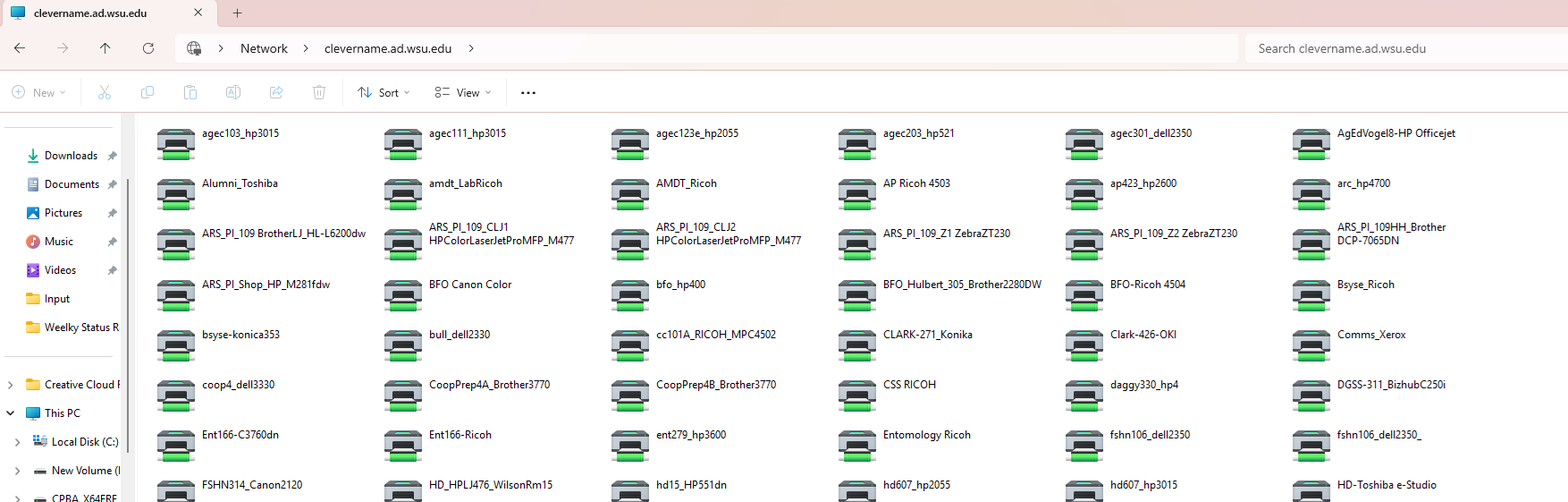
- You should now see a list of printers available on the server - example below:
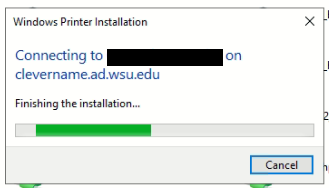
6. Double-click the desired printer to start connecting to and install drivers for the printer in question
.
7. Once the installation has completed, test to make sure you can now successfully print.
DataImage3.png

How to add your Printer from CleverName.docx